What's New
Disclosures & Docket
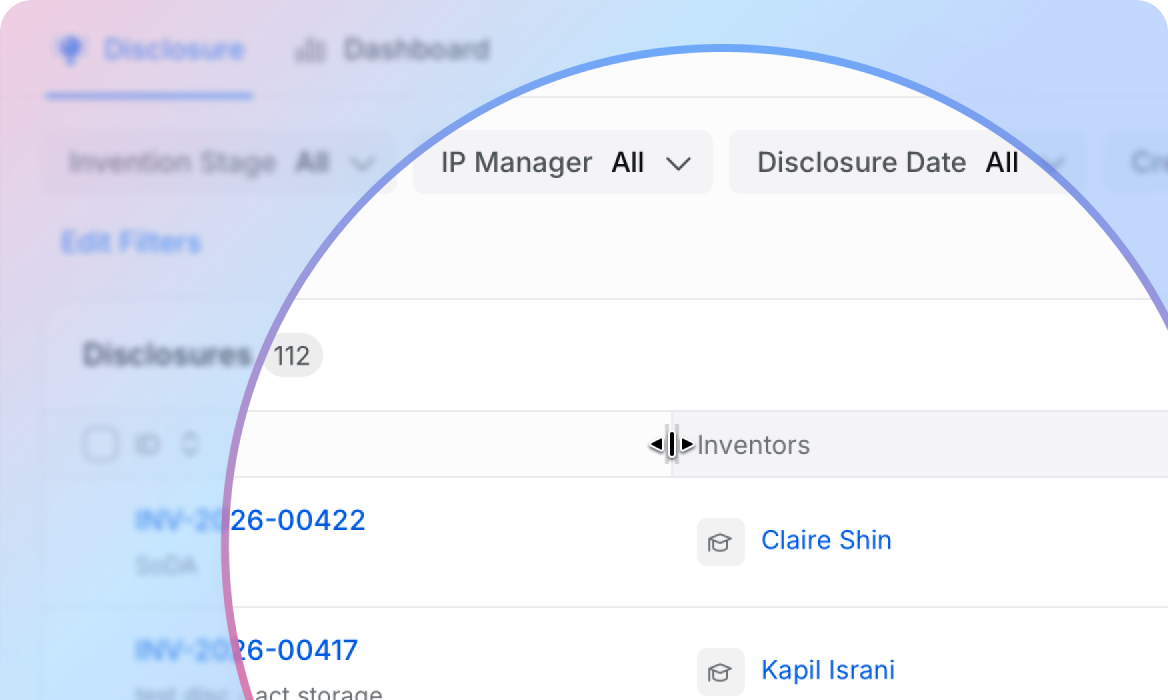
Resize and reorder columns in every table: Adjust column widths to fit your data and drag columns into the order that suits your workflow. Your layout stays in place as you move around the app.
Track shared IP and co-development arrangements: When a disclosure involves IP developed jointly with a partner organization, you can now flag it as shared IP. You can record whether your organization is the lead or a participant, and name the other organizations involved. This gives you a clear record of who developed what and how ownership is structured.
In the Disclosures table, turn on the new Lead Institution column and filter by it to see every disclosure where you lead and every one where you participate.
Export the docket list from any Disclosure: Download the docket list straight from the Docket tab on a Disclosure record. It's useful for reporting, audits, or sharing a snapshot of related filings with your team.
Contacts & Organizations
See filings on Organization records: An external organization's record now shows every patent filing tied to it, alongside its agreements. You no longer need to check the docket separately to see what's connected.
Track when affiliations start and end: You can now add start and end dates to each organization a contact is affiliated with. This makes it easy to follow faculty moves, staff changes, and past relationships without keeping track of them in notes.
More organization types: Beyond Company, University, and Government, you now have more organization types to choose from when categorizing CRM records, so you can classify each one more precisely.
Add Companies to Opportunities from the Company Page: Spot a good fit while exploring companies in Tradespace search? Add it to an opportunity right from its company page, with no need to leave, open the opportunity, and search again.
Other Improvements
Add expenses to a saved bill: You can now add line items to a Bill after it's been saved. If an expense was missed the first time, you can add it without starting a new bill.
Bills now appear on Agreement records: When a Bill is linked to an Agreement, its costs now show up in that Agreement's Finance tab and cost summary.
Unitary Patent filing type: You can now choose Unitary Patent as a filing type. It uses the same structure as EP filings.
Coming Soon
Opportunity page updates: More information to come on the improvements we are making to our marketing section!
Datasets: You will soon be able to build data reports in the platform to easily report. Test our Datasets beta version today